
Right size.
First try.
The shoe size recommender for your store. Shoppers name a pair they already own. The Sizely Fit Engine maps it to your brand, down to the millimetre.
Your shoppers’ size, from 450+ brands they already own













450+ brands, fit mapped and verified. 97% of recommendations land on the right size or the one beside it.
Measured across 478,596 cross-brand comparisons.
Three steps. One right size.
Name a pair
Every shopper owns the answer. “I’m a 10 in Nike” is all it takes. No scan, no quiz, no ruler.
The Fit Engine maps it
Length to the millimetre, width, and how each brand cuts, checked against the brand’s own chart.
 Saint Laurent 8
 Loro Piana 11
 Moncler 11.5
Buy the right size
One definite answer, in the sizes you sell, shown in the system the shopper knows. Fewer wrong-size boxes coming back.
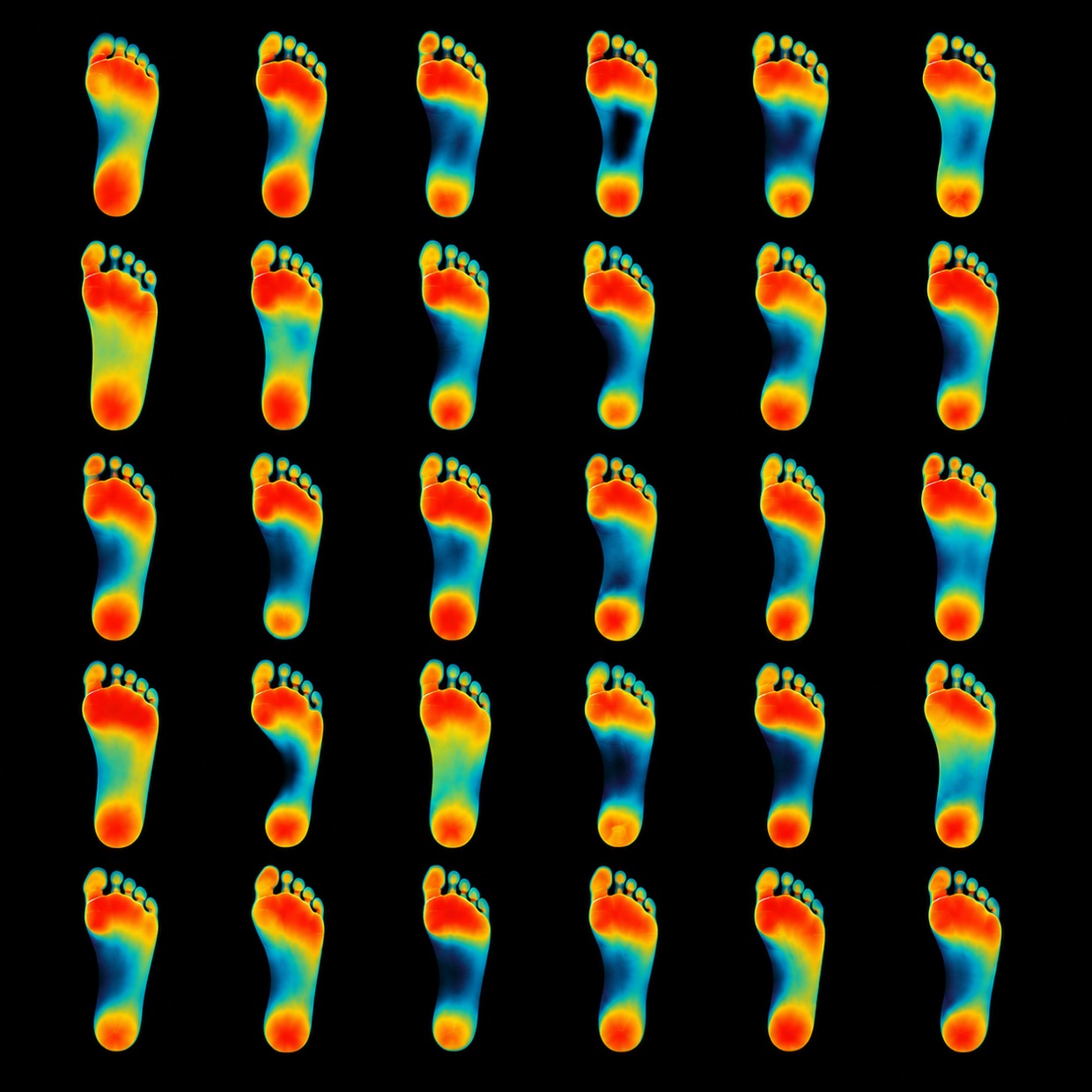
Every foot is different. Sizes pretend they aren’t.
A 9 is not a 9. Real feet differ in length, width and shape, and every brand cuts its sizes differently. The Fit Engine works from the dimensions of the foot, not the number on the tag.
Everyone else adds steps. We removed them.
Five ways to answer the size question, side by side. What each one asks of your shopper, and what it costs you.
| Size charts alone | Foot scanner apps | Quiz recommenders | True Fit (enterprise) | Sizely Fit Finder | |
|---|---|---|---|---|---|
| Works from a pair they already own | ~ | ||||
| No app download or camera | |||||
| No tape measure or photos | |||||
| Brand-accurate sizing, 450+ brands | ~ | ||||
| Works day one, no order history | |||||
| Published accuracy basis | |||||
| One snippet, live in minutes | ~ | ||||
| Works on any platform | ~ | ||||
| No hardware, per-scan or licensing fees | ~ | ||||
| Price to start | Free or an app fee | Hardware or per-scan fees | App fee, often usage surcharges | Enterprise, from $1,000/mo | $39/mo on Store, both Fit Finders included. Above 33,000 opens a month, talk to us. |
Every human owns a pair of shoes that fits. That's the only input we need.
Size is the reason shoes come back.
On every product page. Or everywhere.
It detects the brand on each product page automatically: Nike page, Nike answer. Or run one site-wide finder across your whole catalog.
Inline link
A quiet text link right by your size selector. Opens the widget over the page.
Pop-up
A floating button in the corner you choose. One tap opens the recommender.
Docked panel
Lives in the corner and browses with the shopper. Never covers your page.
Your store. Your look.
Four themes and every knob behind them. It should look like you built it.
Paste it once. That’s the install.
 Shopify
 WooCommerce
 BigCommerce
 Squarespace
 WixCustom sites
Copy your snippet
Configure the look in the Sizely app and copy one script tag, with everything baked in.
Paste it once
Step-by-step guides for Shopify, WooCommerce, BigCommerce, Squarespace, Wix and custom sites, inside the app.
Shoppers get their size
On every product page, in your sizes. You watch opens and usage in your dashboard.
Auto-detects the brand on Shopify and BigCommerce. Set it once anywhere else.
Which store is yours?
Pick the closest profile. The answer is what better sizing is worth to that store every year. The bill sits at the bottom, where it belongs.
The bill for all of that: Brand plan, $149 a month on the annual plan ($179 billed monthly), 8,000 opens included, covered by the first 2 avoided returns. The widget never shuts off at the cap.
Play with the numbers (prefilled from the selected profile)
Assumptions for this estimate: 6% of sessions open Fit Finder, 2.5% conversion rate, $100 AOV, 28% return rate, a 20% cut in size-driven returns and a 2% conversion-rate lift. Every one of them is editable in the panel above. Sources: 53% of apparel returns are size or fit related (Coresight Research, 2023). 19.3% average online return rate (NRF, 2025).
Our defaults sit well below published vendor case-study claims (True Fit case studies cite 2 to 4x conversion for tool users and up to 24 to 50% cuts in fit-related returns). We model a 2% sitewide lift and a 20% cut, and you can set both yourself.
Sell your own brand? Add it to the engine.
The engine carries 450+ brands, and your house label can be one of them. Give us your sizes in millimetres of foot length, and we verify them against the sizing you actually sell before anything goes live. After that your label answers in the widget exactly like Nike does, and shoppers convert to it from whatever they already own.
Free to start. No credit card.
Fit Finder also does apparel
The Apparel Size Recommender sizes shoppers against your garment’s own measurements, with or without a Size Chart. Same install, same shared opens pool.
Run a larger brand?
Custom rollouts, multiple storefronts, and white glove setup. Tell us what you sell and we build the plan around it.
One short form. A real person reads every note and comes back with a plan, not a pitch.
The Shoe Size Recommender, in plain terms.
What is the Shoe Size Recommender?
A small widget for your store. A shopper names a pair of shoes they already own, and it answers with their exact size in the brand they're buying, in the sizes you actually sell. It runs on the Sizely Fit Engine: 450+ brands keyed on foot length, with 370+ verified against the sizing each brand uses itself.
Do I need an app or a plugin?
No. It's one script tag that works on Shopify, WooCommerce, BigCommerce, Squarespace, Wix and any custom site. Paste it once. Step-by-step guides for every platform are in the app. A native Shopify app is on the roadmap.
How accurate is it?
Fit mapping rather than a generic conversion table: every brand is keyed to foot length in millimetres, and 370+ brands are verified against the sizing the brand uses itself, luxury houses cross-checked in their native language. Across 478,596 measured cross-brand recommendations, 97% land on the right size or the one beside it. A shopper can name any pair they own as the input, and only brands we have verified are offered as the answer. When the data on a brand is thin, the widget says so instead of bluffing.
What if you do not carry the brands I sell?
Add them. The configurator takes your brand name, whether it is sized for men, women or unisex, and your sizes as foot length in millimetres, half sizes included. We verify them against the sizing you sell, then your label appears in your widget alongside the 450+ brands already in the engine. House labels and smaller brands are exactly what this is for.
What about width?
Handled where it's real. For brands that sell multiple widths, the widget asks one plain question and recommends Standard or Wide. Brands that only make one width never get a width question.
Will it slow my page down?
No. The trigger is a tiny deferred script. The widget itself loads in an isolated frame only when a shopper opens it. It never touches your page's code or styles.
Can I match it to my store's look?
Yes, everything: four themes (Classic, Minimal, Luxury, Editorial), your accent colour, corner style, shadows, fonts, your trigger text, and only the brands you carry. Luxury stores get a sharp black-and-white look out of the box.
Where does it appear?
Your choice: an inline text link by the size selector, a floating button that opens it over the page, or a docked panel that browses with the shopper. On product pages it detects the brand automatically. Site-wide it lets shoppers pick any brand you carry.
Does it speak my shoppers' language?
Yes. The widget runs in English plus 12 more languages: German, Spanish, French, Italian, Dutch, Polish, Portuguese (Brazil), Swedish, Turkish, Japanese, Korean and Simplified Chinese. It also opens on the size system that shopper expects, so a German shopper reads EU 44 while Japanese and Korean shoppers read JP, and anyone can switch to any system the brand publishes.
Which plan do I need?
Any plan lets you configure it and test the full widget in a live preview. Going live on your store is included with Store and Brand, on a shared pool of Fit Finder opens across Shoes and Apparel. Store at $39 a month on the annual plan ($47 billed monthly) includes 2,000 opens, Brand at $149 ($179 billed monthly) includes 8,000, and Booster packs add 5,000 opens each for $99 a month, stackable up to 5 for a 33,000-open pool.
Your shoppers’ size is already in their closet.
Put it on your shelf. One script tag, fit mapped and verified against the sizing the brands use themselves.